
Cloudflare's AI-Crawler Defaults and University Websites: A Webometrics DNS Study
On 15 September 2026, Cloudflare introduced a new edge-level classification for web crawlers — Search, Training, and Agent — along with an...
Hacked spam pages on a university domain are a search visibility problem as well as a security problem. When attackers inject pages, hidden links or redirects into a trusted institutional website, Google's documentation says the affected pages can rank lower, drop out of results, or appear with a warning label. Google also states that its spam policies apply to generative AI responses in Google Search. This guide explains what a November 2026 government alert describes, how Google's own documents classify hacked content, and the monitoring steps a university web team can take across a large, decentralized web estate.
The short answer for university web teams: verify the whole institutional domain in Google Search Console, send its alerts to a monitored shared mailbox, check the Security issues and Manual actions reports on a schedule, watch for indexed pages and search queries that have nothing to do with the university, and reduce the number of unmaintained sites that attackers can use.
On 16 November 2026 the Federal Bureau of Investigation released FLASH CC-111626-MW, marked TLP:CLEAR and coordinated with DHS/CISA, on the Gootloader malware framework. The FLASH describes a campaign that combines compromised websites with search engine optimization techniques so that attacker pages appear in search results next to legitimate resources. Its main points, paraphrased from the FBI document, are:
The FLASH describes targeting of legal professionals. It does not name universities or the higher-education sector, and nothing in it indicates that any university website was involved. Its relevance to universities comes from the techniques it documents, not from any finding about the sector.
The following points are Webometrics analysis rather than findings from the FBI or Google documents.
A previous Webometrics study found that AI-crawler rules can differ between properties of the same institution, which illustrates how hard it is to keep one policy consistent across many sites: see AI-crawler directive consistency across university web properties.
Google's Spam policies for Google web search define hacked content as content placed on a site without permission because of security vulnerabilities. The policy lists four forms, summarized below, and states that sites violating its policies may rank lower or not appear in results at all. The same page states that spam includes attempts to manipulate generative AI responses in Google Search, and Google's documentation updates log records a May 2026 clarification that the spam policies apply to generative AI responses.
| Form (Google term) | What Google's policy describes | What it can look like on a university site |
|---|---|---|
| Code injection | Malicious code, often JavaScript or iframes, inserted into existing pages | A department homepage that loads an unknown external script |
| Page injection | New pages added to a site, often to manipulate search engines or for phishing | Unfamiliar pages on legal, gambling or pharmaceutical topics under a faculty subdomain |
| Content injection | Existing pages subtly altered, for example with hidden links or text, or with cloaking | A news page that carries invisible keyword links to outside sites |
| Redirects | Code that sends some users to harmful or spammy pages, sometimes only for visitors arriving from search results | A conference page that works when typed directly but redirects when clicked from Google |
Two other parts of the same policy are relevant. The hidden text and link abuse section covers text or links placed to influence search engines while staying hard for people to see, for example through zero font size or off-screen positioning, which matches the hidden keyword links described in the FBI FLASH. The site reputation policy addresses third-party content published on a host site mainly to benefit from the host's established ranking signals, and one of Google's own examples is an educational site hosting third-party sponsored reviews of payday loans.
Search Console separates two kinds of findings. According to Google's Security issues report documentation, the Security issues report shows Google's findings when a site has been hacked or behaves in ways that could harm visitors, and affected pages can appear with a warning label in search results or an interstitial warning in the browser. Its hacked-site categories include malware, code injection, content injection and URL injection. The Manual actions report documentation explains that a manual action is issued when a human reviewer at Google determines that pages do not comply with the spam policies, and that some or all of the site may then not be shown in results. One listed manual action, Site abused with third-party spam, applies when a significant portion of a site is abused with spam in areas such as forums, file uploaders, free hosting services or internal search pages.
| Report or signal | What to look for | Source document |
|---|---|---|
| Security issues report | Hacked: malware, code injection, content injection or URL injection; sample affected URLs and first detection date | Google Search Console Help, Security issues report |
| Manual actions report | Actions such as Site abused with third-party spam or User-generated spam | Google Search Console Help, Manual actions report |
| Page indexing and Search performance reports | Unexpected spikes in indexed pages, impressions or queries that do not match the site's purpose | Google Search Central, Prevent user-generated spam |
| site: searches | Indexed pages you did not create, for example the domain combined with spam terms | Google Search Console Help, Security issues report |
| URL Inspection tool | How Google sees a page, which can reveal content shown only to Google's crawler | Google Search Console Help, Security issues report |
Many universities verify only the main website in Search Console, while hacked content often appears on smaller sites. Google's property documentation describes two website property types:
Google's documentation also states that one Search Console account can hold up to 1,000 properties. For a university, a single Domain property verified by the central IT or DNS team gives one place to see security issues and manual actions across every faculty, project and event site on the domain. Units that want their own data can add URL-prefix properties for their sections. Google's abuse-prevention guide notes that verifying a site or subdomain means Search Console sends email alerts when Google issues a manual action or detects security issues, so those alerts should reach a monitored team address rather than one person's inbox.
For decisions about who controls related AI settings across the same estate, see Search generative AI control for universities.
The steps below combine Google's Search Console and abuse-prevention documentation with the protective controls listed in the FBI FLASH. They are good practice for user safety, search visibility and institutional trust. They do not guarantee rankings, recovery times or appearance in AI answers.
Google states that its spam policies cover generative AI responses in Google Search as well as traditional results. For universities, the practical point is that the same web content feeds both experiences. If a university hostname carries injected pages, those pages sit alongside the official pages that search systems, including AI-assisted ones, may draw on when describing the institution. Whether a specific AI system retrieves or cites a given hacked page is not documented in the sources reviewed here, and Webometrics did not test it. Keeping the domain free of unauthorized content is therefore best treated as part of maintaining accurate, trustworthy official information, a theme covered in what makes a university website authoritative.
Basic web security hygiene supports the same goal. A Webometrics study of Peruvian institutions examined HTTPS and security headers on university homepages: University Website Security: Lessons From 123 Peruvian Institutions.
Detecting hacked spam crosses team boundaries. Central IT or the DNS team can verify the Domain property, the web or digital communications team can review Search Console reports and indexing trends, information security can lead incident response, and site owners in faculties and research groups remain responsible for keeping their own sites updated or retiring them. A short written procedure that names who checks which report, how often, and who is called when a security issue appears is often more useful than any single tool.
Read our Editorial Standards & Publication Policy, including how to report an error.
On 15 September 2026, Cloudflare introduced a new edge-level classification for web crawlers — Search, Training, and Agent — along with an...
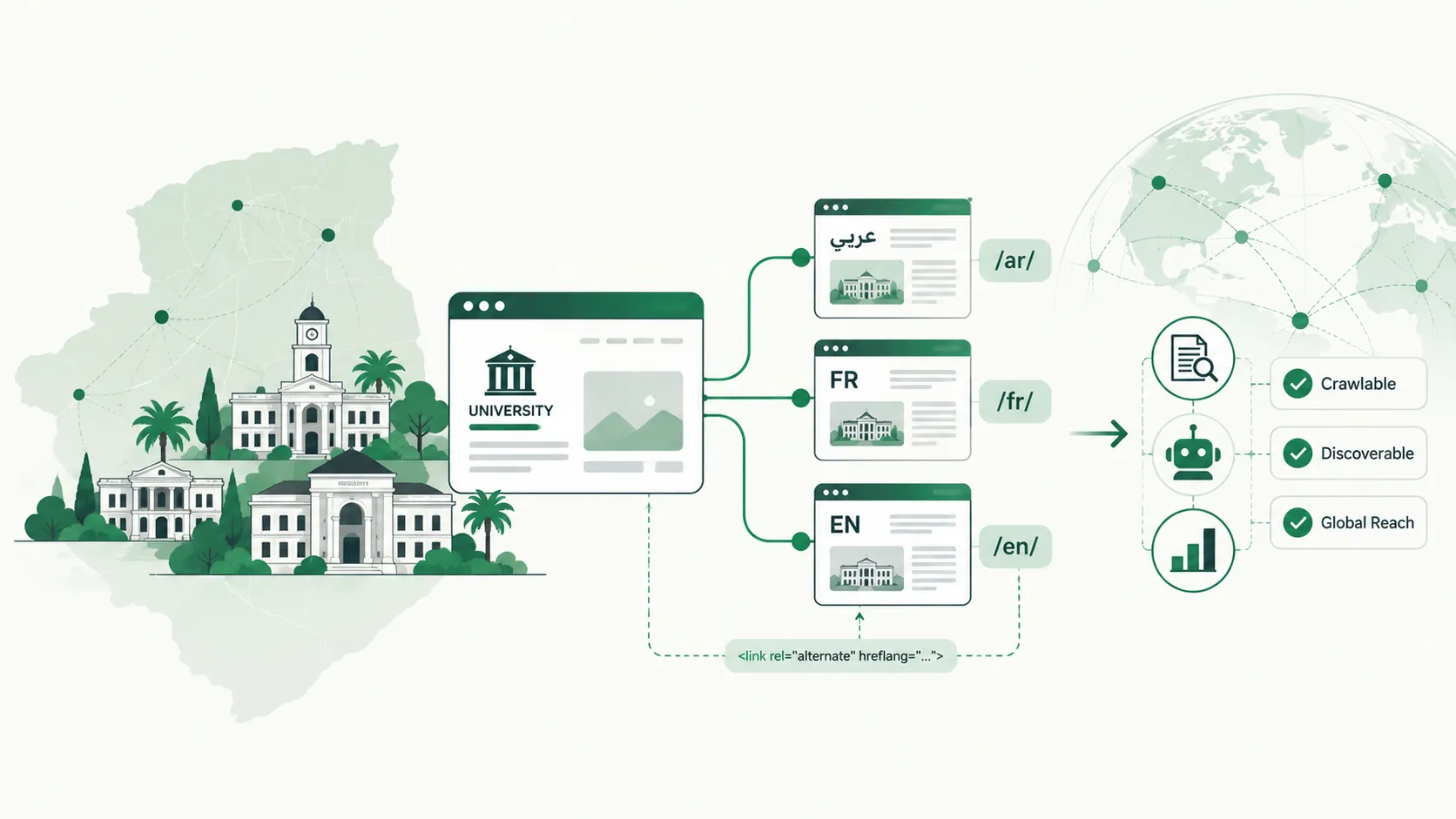
Algeria is a linguistically layered higher-education market: Arabic is the country's constitutional official language, Tamazight has held...
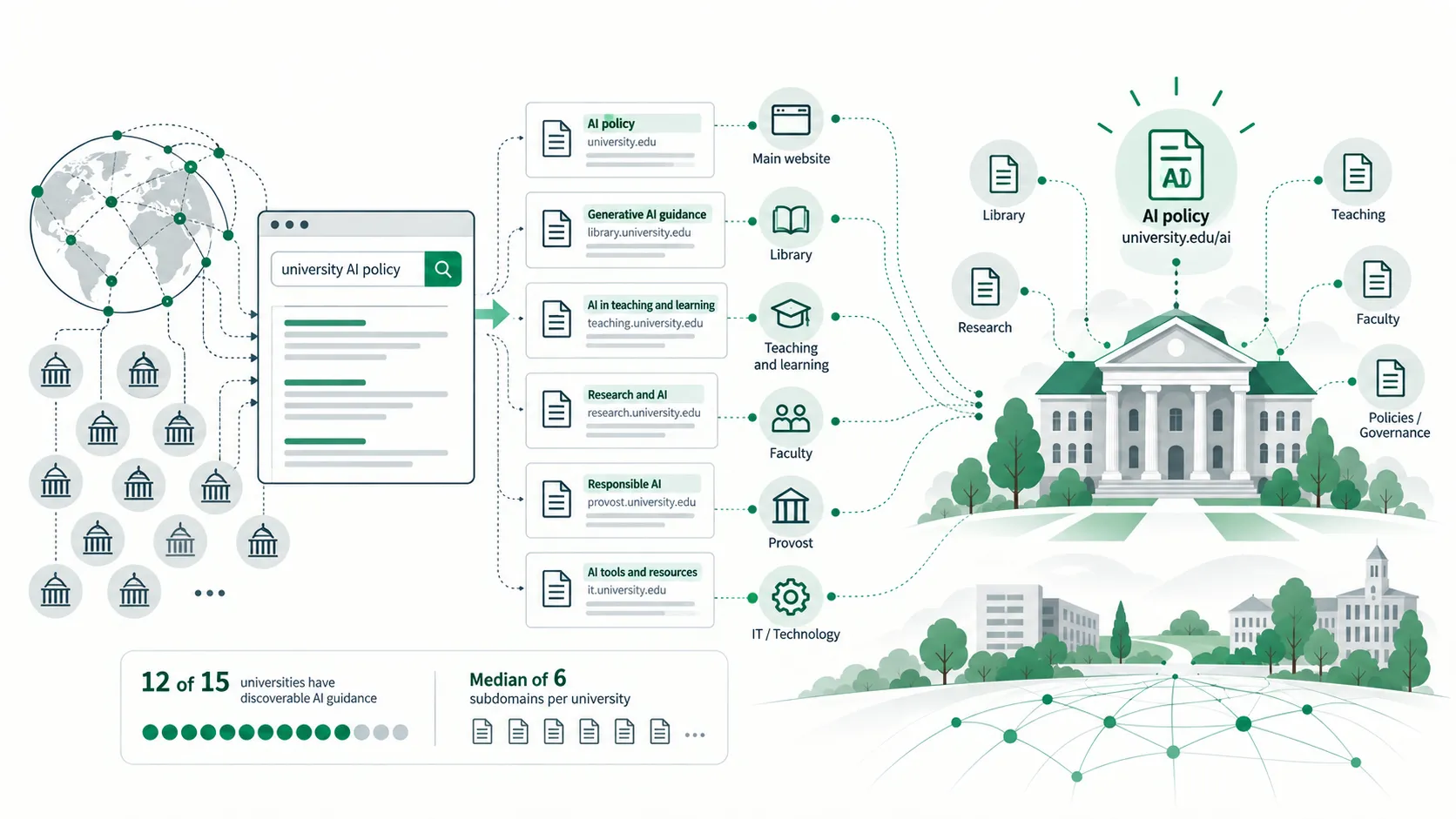
At UNESCO's Digital Learning Week 2026 (8–11 September 2026, Paris), more than 25 education ministers adopted a joint statement on sustaining...
Research studies of how universities appear on the web, in search and in AI tools.
 Latest research
How to Report a Closed University to Webometrics
20 November 2026
The Webometrics ranking of universities worldwide and by region, built on Impact, Openness and Excellence.
 Current edition
July 2026 Webometrics Edition: Countries, Regions and Leaders
09 November 2026
Who we are, how the ranking is calculated, and the standards we publish by.
 How we work
Editorial Standards & Publication Policy
09 November 2026